What it is
What Flux is, after the redirect from flux.ai
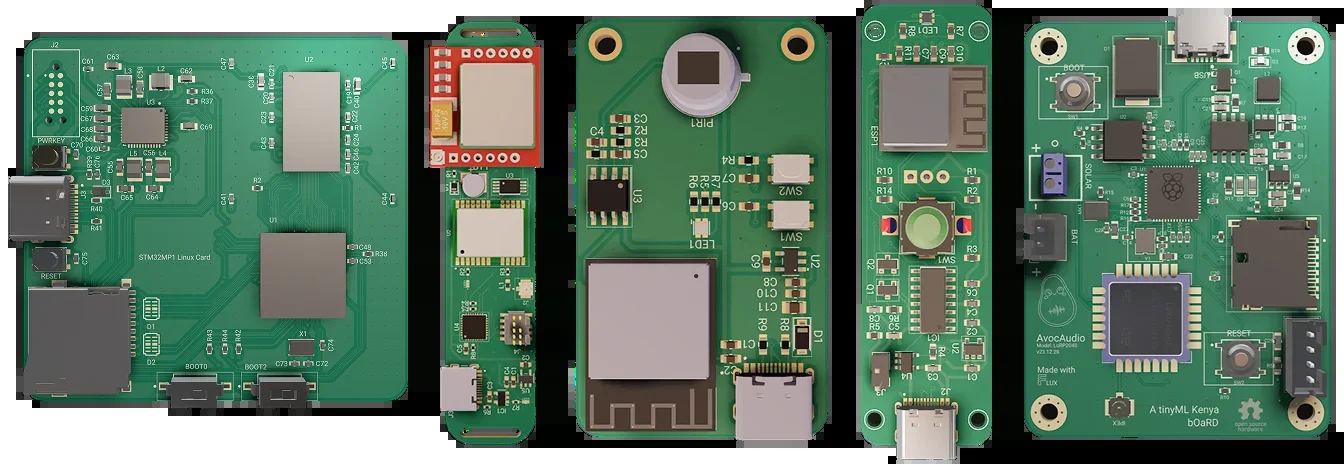
I typed flux.ai and landed on the official Flux website at www.flux.ai/p. The H1 there is “Design PCBs with AI.” Under it, Flux calls itself the world’s first AI hardware engineer: you give it a job, it plans, explains, and executes inside a full browser eCAD you can edit any time.
That split matters. Copilot is not a separate chatbot you paste netlists into. It lives in the Chat tab, or from a right-click on the canvas. It can see project metadata, components, nets, datasheets, layout silk and traces, even comment locations. Docs are honest about a limit I needed: Flux primarily works with schematics and currently has limited understanding of PCB layout and trace positioning. I will not pretend it is a drop-in replacement for a senior layout contractor on an eight-layer HDI run.
The job list on the homepage matches the docs: research and planning, part search, datasheet parse, generated netlists, design reviews, firmware help, testing and debugging, auto-layout. Specialized mentions include @file, @library, @calculator, @code, @help, and @simulator. Code here means Python for analysis and charts, plus firmware assistance — not a secret image studio.
I also noted the human remainder: real-time collaboration, SSO and project permissions, SOC-2–aligned language on the FAQ, and a support path at help@flux.ai. None of that makes this notes page official. It makes the product a serious editor with an assistant, which is rarer than another landing page that says “AI” six times.